
Small adjustments to your workstation and daily routine can reduce unnecessary strain, encourage regular movement and help you feel more comfortable throughout the working day.
Whether you work from an office or from home, it is easy to spend hours in the same position without noticing. Over time, an uncomfortable setup and long periods without movement can leave your back feeling stiff, tired or sore.
The answer is not to force yourself into one “perfect” posture all day. A more practical approach is to create a comfortable workstation, change position regularly and keep your body active.
Here are five simple places to start.
1. Adjust your screen height
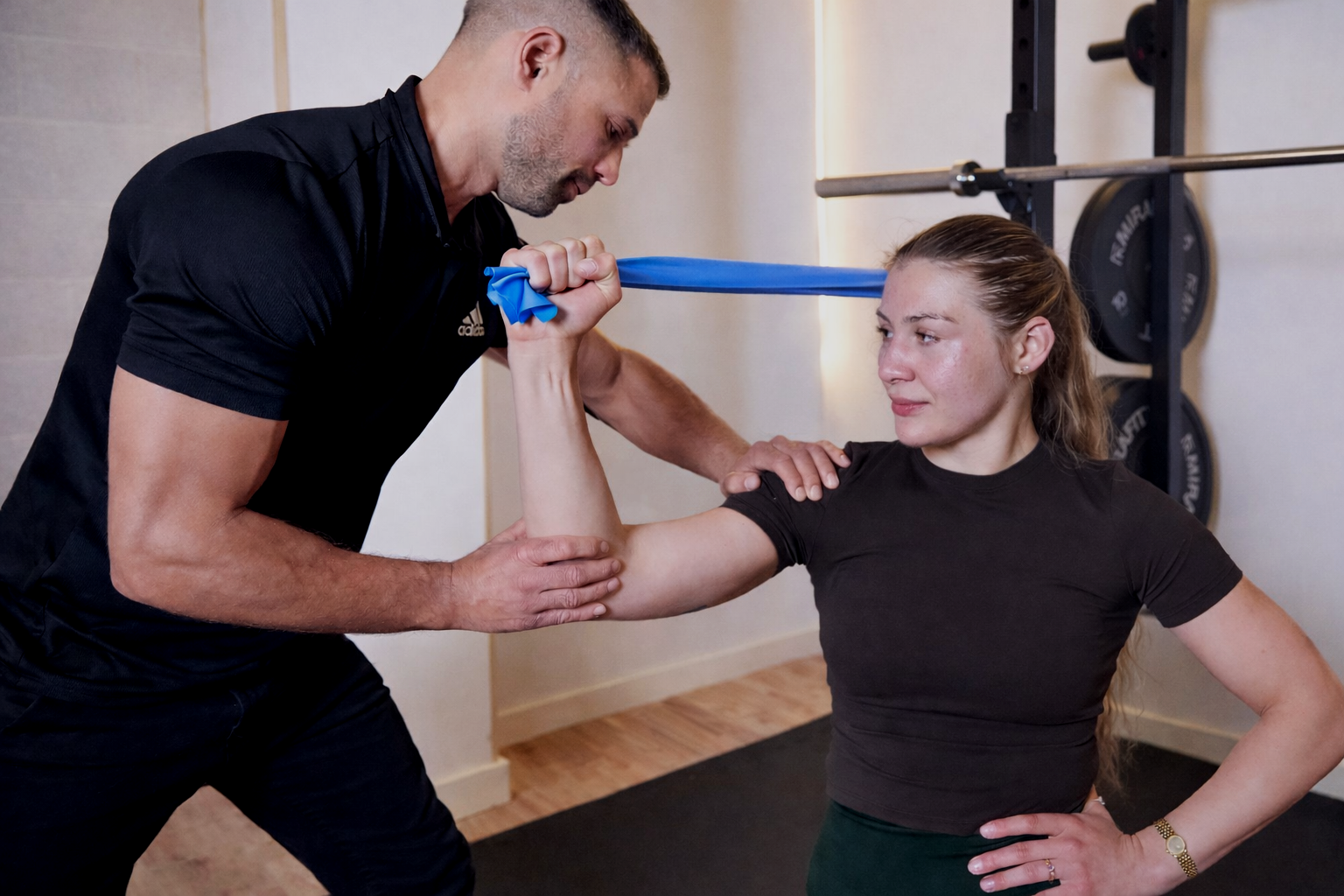
Position your screen directly in front of you so you do not need to repeatedly turn your head or twist your back.
As a general starting point, the top of the screen should be approximately level with your eyes and about an arm’s length away. Your keyboard should sit just below elbow height, allowing your shoulders to remain relaxed.
If you regularly work from a laptop, consider using a laptop stand with a separate keyboard and mouse. This allows you to raise the screen without lifting your hands into an uncomfortable position.
These recommendations are consistent with the Health and Safety Executive’s workstation guidance.
2. Make sure your chair supports you
Adjust your chair so that both feet are comfortably supported by the floor. If your feet do not reach, use a footrest rather than allowing them to hang.
Your lower back should feel supported by the chair. If it does not, a small cushion or rolled towel may make the position more comfortable.
Aim to sit far enough back in the chair that your thighs are supported without the front edge pressing firmly into the backs of your knees.
You should feel supported, not rigid. It is completely normal—and helpful—to adjust your position during the day.
3. Keep frequently used items close
Place your keyboard, mouse, telephone and other regularly used items within comfortable reach.
Your screen and keyboard should be centred in front of you. Keeping them to one side may encourage you to repeatedly twist or lean in the same direction.
If you use two screens, position the screen you use most directly in front of you. If you use both equally, arrange them as centrally as possible.
Small adjustments can make a considerable difference when the same movement is repeated throughout the day.
4. Take short, regular movement breaks
Your body is designed to move. Even a comfortable position can become uncomfortable when it is held for too long.
Look for opportunities to stand up, walk around or change activity. You could make a drink, take a telephone call while standing or walk briefly between tasks.
The Health and Safety Executive advises that short, frequent breaks are generally better than occasional long ones. As an example, a five-to-ten-minute change of activity after approximately 50 to 60 minutes of continuous screen work may be preferable to one longer break every two hours. Read the HSE guidance.
A break does not need to involve a complicated stretching routine. The important thing is to move and change position.
5. Stay active outside your desk
Your workstation is only one part of the picture. Regular physical activity can help maintain the strength and capacity needed for work, exercise and everyday life.
Walking, swimming, strength training and other activities you enjoy can all contribute. Start at a manageable level and build gradually, particularly if you have been inactive or are returning after an injury.
If you already have back pain, the NHS generally recommends staying active and continuing with normal daily activities where possible rather than remaining in bed for long periods. Read the NHS back-pain guidance.
When should you seek help?
Consider speaking to a GP or physiotherapist if your back pain is preventing normal daily activities, is worrying you or has not improved after a few weeks.
Seek urgent medical advice if the pain is severe and begins suddenly, is getting worse quickly, or you feel generally unwell.
Call 999 or attend A&E if back pain is accompanied by weakness or numbness in both legs, loss of feeling around the genitals or anus, changes to bladder or bowel control, chest pain, or if it began after a serious accident.
Need a clear plan?
If back pain is affecting your work, training or confidence, a physiotherapy assessment can help identify what is contributing to the problem and what to do next.
At Impact Physio, we focus on clear explanations, practical rehabilitation and helping you return to normal activity with confidence.
Book an assessment with Impact Physio to get a plan tailored to you.
This article provides general information and is not a substitute for an individual medical assessment.
12:37
